Log into your account and from the main dashboard click Subscription.

On the follow page click Subscribe now!*

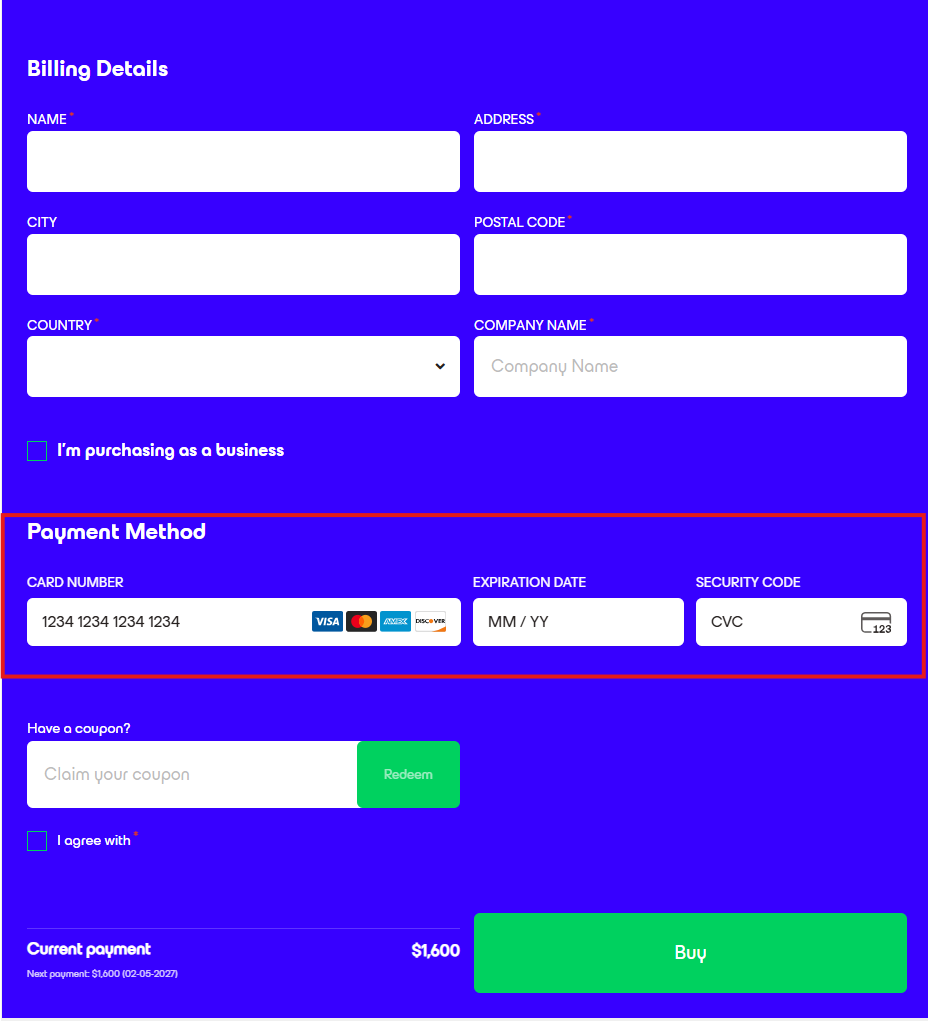
Fill in the billing details.
Please note under Payment Method a card number is still required even when using a code for enrollment.
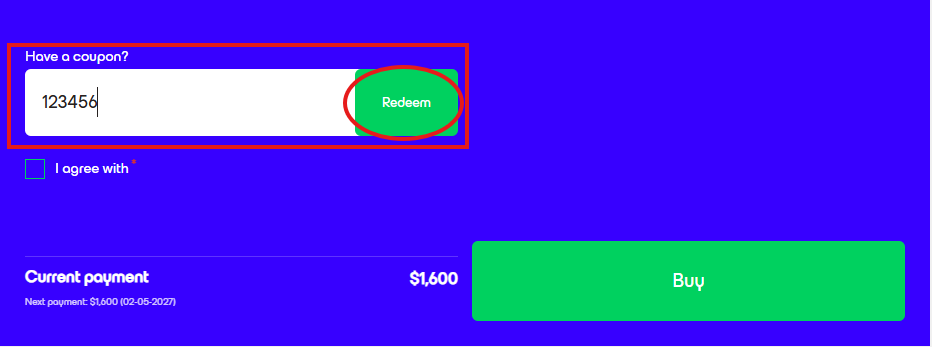
Enter your unique code in the Have a coupon filed and click Redeem.
If the code is valid and entered correctly, the price point for Current payment will be adjusted accordingly.
Click Buy.
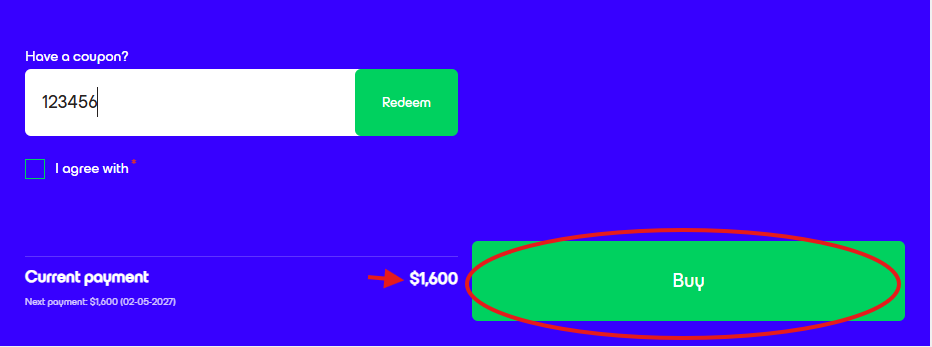
*Pricing shown on images is for demonstration purposes only and may not accurately reflect actual service costs.
Was this article helpful?
That’s Great!
Thank you for your feedback
Sorry! We couldn't be helpful
Thank you for your feedback
Feedback sent
We appreciate your effort and will try to fix the article